

Welcoming new families: staff introductions with QR codes
For: Preschool · Primary school · Staff & parents
Before a child starts preschool, families have lots of questions. Who is my teacher? What does the room look like? What should we pack? With a few QR codes in the welcome letter, families can get to know the preschool from their sofa, at their own pace and as many times as they like.
It works just as well when a child starts school or when a new student joins the class.
How to make a welcome letter with QR codes
- Decide what families need to know: who the teachers are, what a typical day looks like, what to pack and how the first weeks work.
- Record a short hello from each teacher with Talking Image: a photo and a voice saying hello and sharing something about themselves.
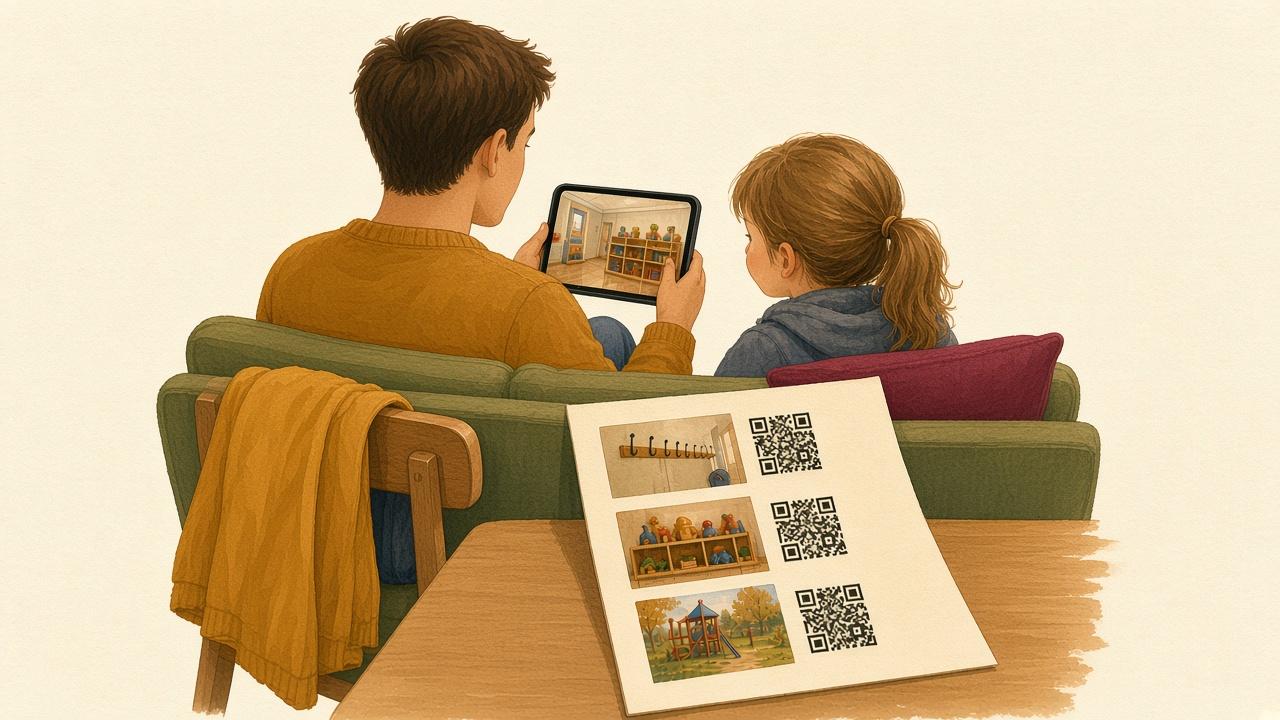
- Make a tour with Slide show: the hallway, the nap or rest area, the playground and where to drop off and pick up.
- Add practical information as text or a PDF document, such as a packing list and opening hours.
- Print the codes with a picture and a caption next to each and put them in the welcome letter.
- Put the same codes up on a welcome wall in the hallway during the first weeks.
Information in several languages
Ask colleagues or parents who speak other languages to record the most important information. One code per language, labeled with the language name, makes the right one easy to find. Recorded speech also helps parents who find reading difficult.
Tips
- Keep recordings short, ideally under a minute.
- Show rooms and toys, not other children. That avoids questions about consent.
- Update the codes for the next group instead of making new letters from scratch.
- Use the same idea for parent meetings and open house: a code with a presentation of your school.