

GDPR and QR codes in schools: children’s voices, photos and videos
For: Preschool · Primary school · Middle & secondary school · Staff & parents
Many of the best QR code ideas use children’s own voices, pictures and stories. That makes them come alive, but it also means you are handling personal data about children. Here is a summary of what applies under GDPR, based on guidance from Swedish authorities, and how to work safely.
This is an introduction, not legal advice. Always follow your school’s routines and ask your data protection officer if you are unsure.
Who is responsible for the data?
The data controller is the organization running the school, such as the municipal education board or the company behind an independent school. According to the Swedish Authority for Privacy Protection (IMY), principals, teachers and other staff are not controllers. They process data on the controller’s instructions, which is why the school’s routines decide which apps and services may be used.
Children’s data needs extra protection
IMY states that personal data about children deserves special protection, since children may find it harder to understand the risks and their rights. GDPR’s data minimization principle means schools should not collect more personal data than necessary.
Publishing photos or videos of children online requires a legal basis. According to IMY, schools can rarely rely on legitimate interest when sharing pictures of children, because the children’s interest in protection normally weighs more.
Practical tips when making QR codes
- Ask whether the child needs to be seen or heard at all. A photo of the drawing, the hands or the materials, or the teacher’s voice, is often enough.
- Avoid children’s names in QR code names and content.
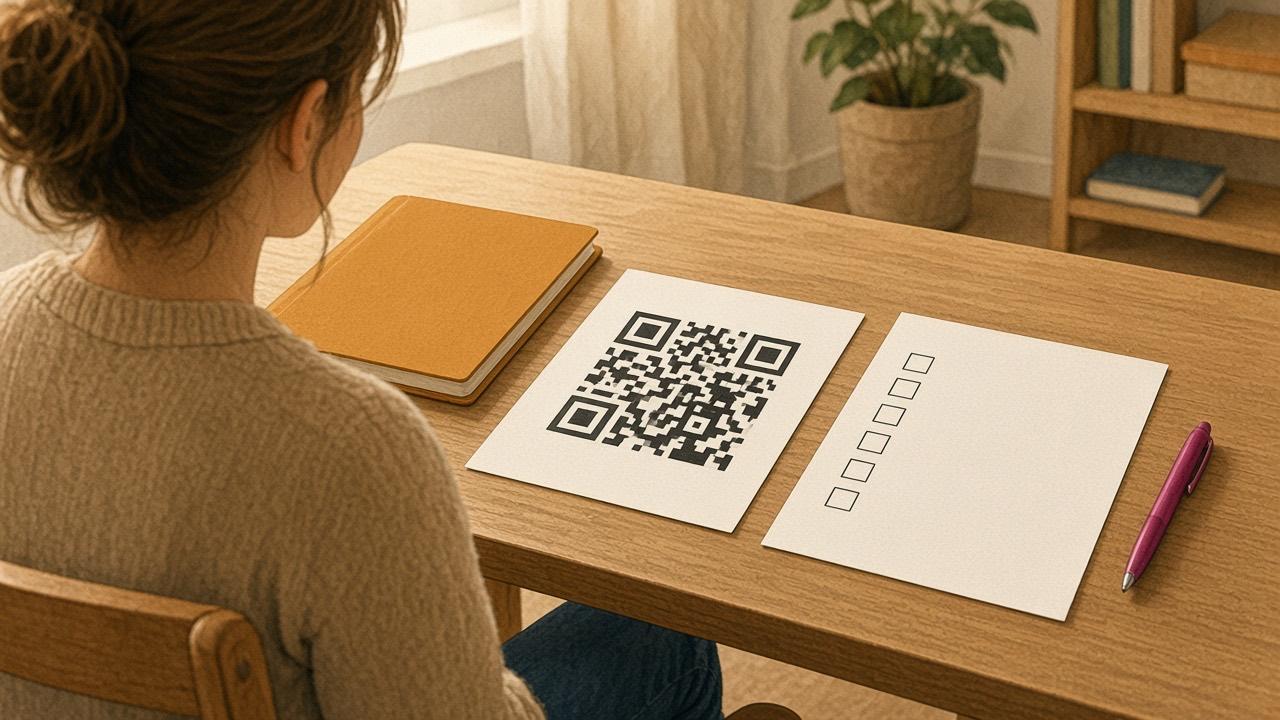
- Put codes with children’s voices or photos inside the building, not where anyone can scan them.
- Tell parents how you work and respect it if someone does not want their child included.
- Delete the codes when they are no longer needed, such as when a project ends or a child leaves.
- To hide faces in a photo, the Anonymizer app can blur them before you create the code.
How Cloud QR handles your data
- Files and data are stored on Cloud QR’s servers in Sweden. The servers have no foreign owners.
- Data stored on Cloud QR is never shared with any third party.
- The only personal information needed to create an account is your email address.
- When you delete a QR code, its content is removed from the server.
- Videos are uploaded to your own YouTube account and marked as unlisted.
- Organizations can sign a data processing agreement. Contact us and read our privacy policy.
- With Cloud QR Wifi, files stay on your device and can only be scanned on the same Wi-Fi network.
Questions and answers
Can I put a QR code with a child’s voice on the hallway wall?
It depends on your school’s routines and on what parents have been told. Keep the code inside the building, avoid names and delete the code when it is no longer needed.
Who should I ask if I am unsure?
Ask your principal and your organization’s data protection officer.