

Read-aloud QR codes: reading bags, stories and home languages
For: Preschool · Primary school · Staff & parents
Reading aloud is one of the most important things we can do for children’s language development. With a QR code in the book, the story can go home, be heard again and again, or be read in a language other than the one used at school.
The book stays at the center. The QR code supports adults who read together with the child, and students who need to hear the text to follow along.
What you need
- Picture books or chapter books
- Cloud QR and a quiet place to record
- Labels or tape to attach the code to the book
- Cloth bags for take-home reading bags
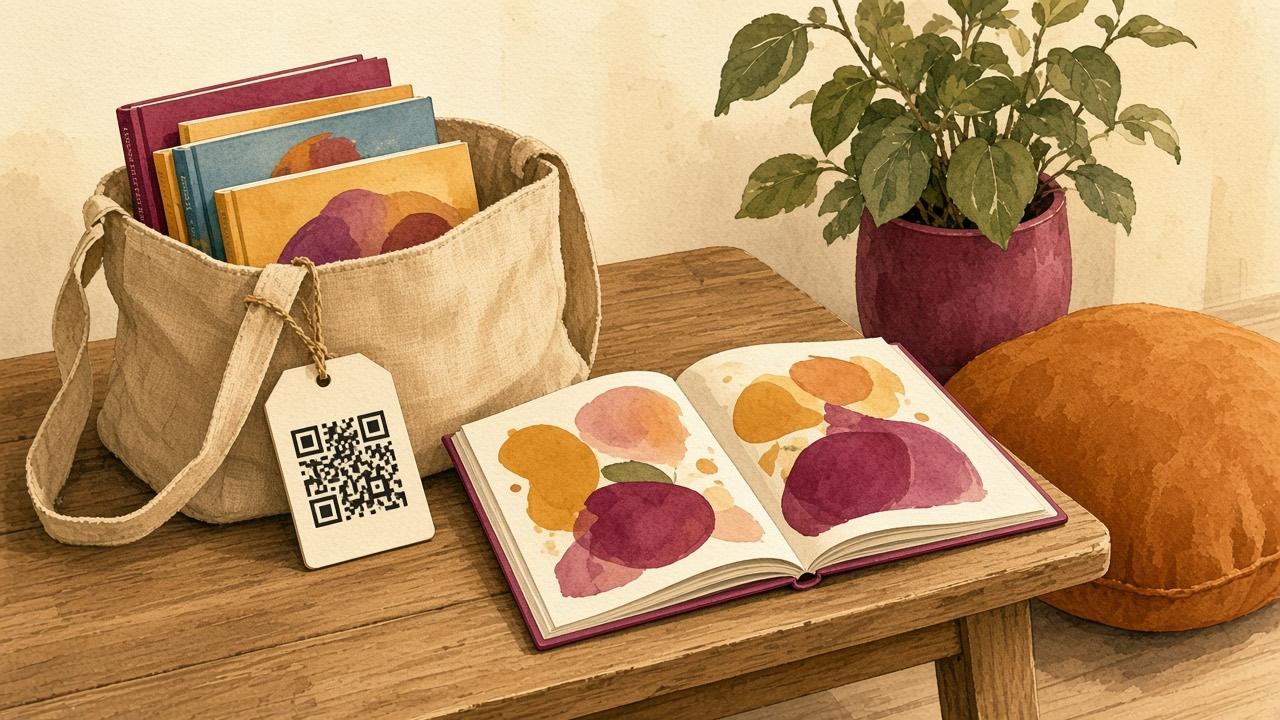
How to make a reading bag with a QR code
- Pick a book and read it aloud a few times before recording.
- Open Cloud QR and choose Record Audio. Read calmly and use a sound like "ding" when it is time to turn the page.
- Name the code after the book title and print it on a label.
- Stick the code inside the cover or on a card in the reading bag.
- Add a short note for parents on how to scan the code with the phone camera.
- Lend the bag out and let it travel around the group.
Books in the child’s home language
Ask parents or home-language teachers to record the same book in other languages. Make one code per language and label it with the language name. The child can then hear the story both in the school language and in the language spoken at home.
The same idea works for songs, see Birthday songs in different languages.
At school: recorded texts and book clubs
- Record chapters for students who need to listen while they read.
- Let students record their own stories or book tips, see Book reviews.
- Record discussion questions for a book club and put the code at the end of the chapter.
Copyright
Recordings of books are covered by copyright. Check what licenses your school has, and only share recordings with the children and families in your own school. Delete the codes when they are no longer used.
Questions and answers
Do parents need to install an app?
No. Most phone cameras can scan the code. For a distraction-free experience there is Cloud QR Scanner, free and without ads.