

Talking wall: documentation parents can listen to
For: Preschool · Staff & parents
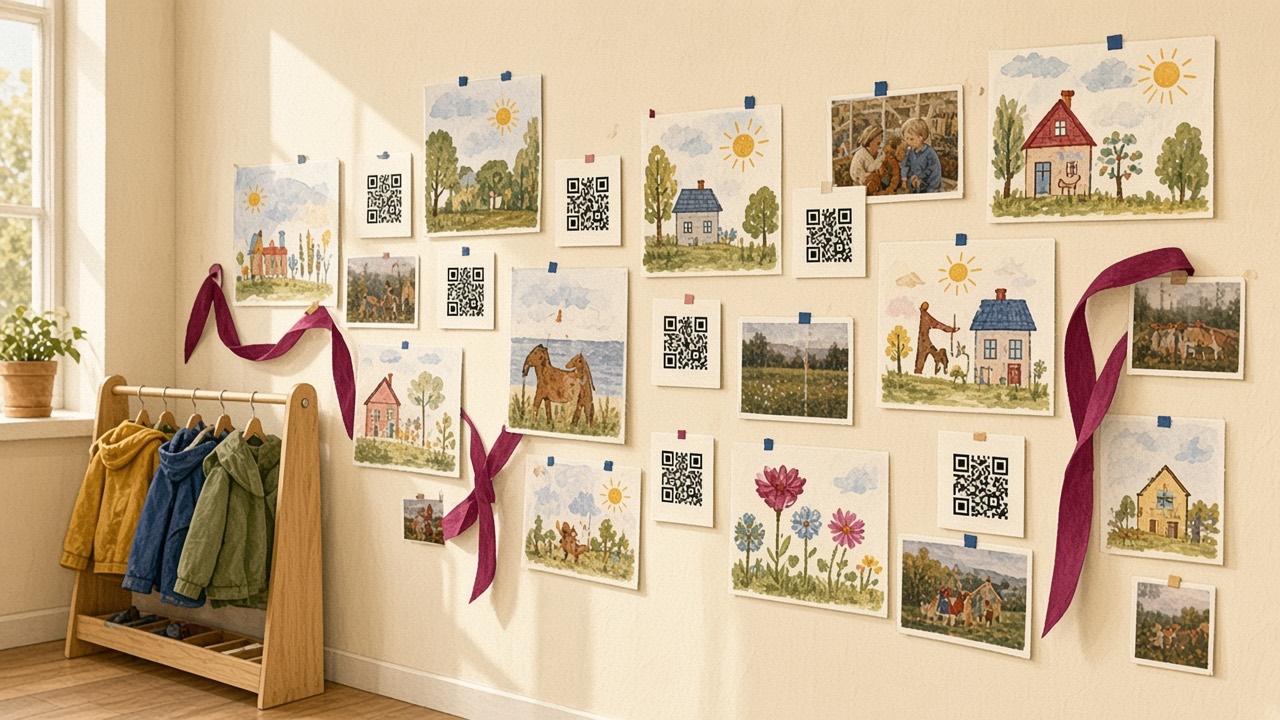
The documentation wall in the hallway is often the first thing parents see at pick-up. But a photo doesn’t tell the whole story of what the children thought, tried and talked about. With a QR code next to the picture, parents can listen to the children’s own words or to the teacher’s story of the project.
The adults do the scanning. Children work with hands-on materials, and the documentation makes their learning visible and invites parents in.
How to make a talking wall
- Pick a project or theme you are working on, e.g. "What lives under the ground?".
- Record short reflections with the children, or a summary where a teacher tells what the group did and discovered. One or two minutes is enough.
- Create a QR code in Cloud QR. Choose Record Audio for sound only, or Talking Image for a picture with a recorded story.
- Print the code with a clear caption, e.g. "Scan to hear what the children think about worms".
- Put the code up next to the photos, drawings and children’s work on the wall.
- Update the content of the code as the project develops. The printed code can stay on the wall.
Protect the children’s privacy
- Follow your school’s routines for audio, photos and video of children, and ask parents whether they want their child included.
- Audio without names or faces is often a good choice. A teacher’s narration can replace the children’s voices.
- Keep the codes inside the building, not where anyone can scan them.
- Delete the codes when the project ends. When you delete a code in Cloud QR, its content is removed from the server.
- Read more in GDPR and QR codes in schools.
More ideas
- Song of the week: a code in the hallway that plays the song you are singing right now, so families can sing it at home.
- Translated information: staff or parents record messages in different languages.
- Children’s portfolios: see Living portfolio with talking images.