

QR codes for differentiation: recorded instructions, visual supports and levels
For: Preschool · Primary school · Middle & secondary school
Not every student learns the same way or at the same pace. QR codes make it easy to offer support without singling anyone out: one student listens to the instructions again, another sees a picture of the expected result, and a third picks a challenge.
Here are a few ways to use QR codes for differentiation and accessibility in the classroom and in preschool.
Recorded instructions
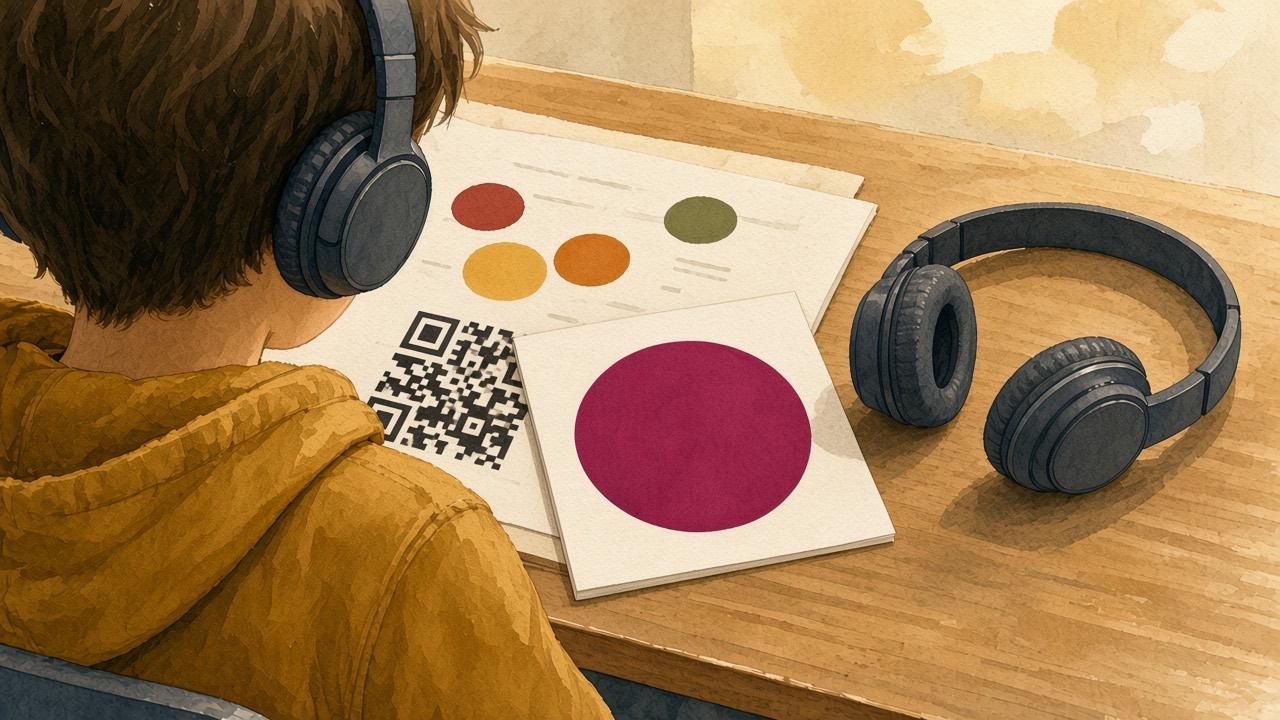
Record the instructions for a task with Record Audio and put the code at the top of the worksheet. Students can listen as often as they need, at their own pace and with headphones. It helps students with reading difficulties, language learners and students who struggle to remember several steps.
Visual supports and step-by-step pictures
Take a photo of each step of an activity, such as washing hands, getting dressed for outdoor play or setting the table, and make a slide show. A code by the sink or in the hallway gives support right when it is needed, in preschool and in school, alongside the visual supports you already use.
Differentiation with color-coded codes
Make the same task at three levels and print the codes in different colors, e.g. green for core, yellow for extension and blue for challenge. Students can pick a level or get a color from you. Since all codes look alike from the outside, nobody can tell who is doing which level.
How-to videos next to tools and materials
A short video on how to use the sewing machine, the microscope or the 3D printer helps students get started without waiting for the teacher. See Instructional videos for stations.
Get started
- Pick a task where students often get stuck or ask the same question.
- Decide what support is needed: audio, pictures, video, or an easier and harder version.
- Create the code in Cloud QR and print it on the worksheet or at the station.
- Show the whole class how the codes work, so they become a normal support for everyone.