

Self-checking task cards and math stations with QR codes
For: Primary school · Middle & secondary school
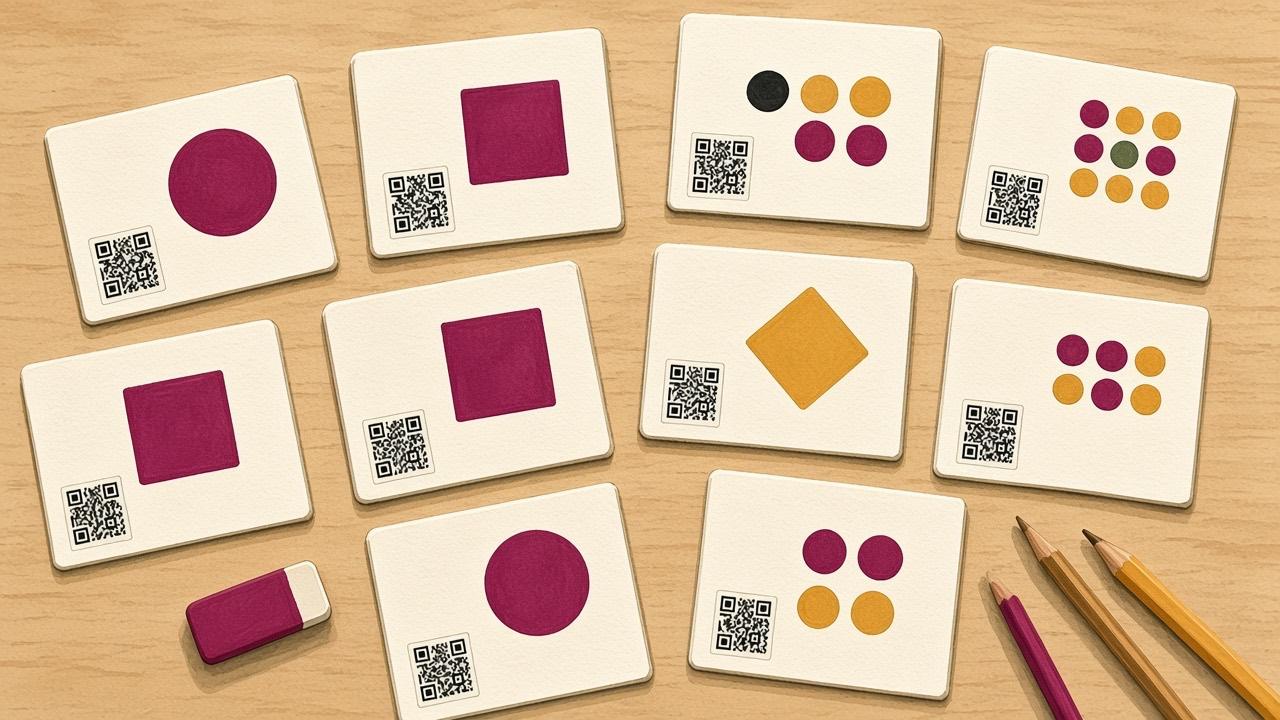
When students work with task cards, there is often a line to the teacher to find out if the answer is right. If the answer key sits behind a QR code on the card, students can check for themselves and move on, and you get time for the students who need help.
In the "scan the room" version, the cards are posted around the classroom. Students move between stations, solve the problem and scan to check.
What you need
- Task cards, your own or from a textbook
- Cloud QR to create the answer codes
- One iPad or phone per group
- A recording sheet per student or group
How to make self-checking task cards
- Write or pick 8–12 problems and number the cards.
- Create one QR code per card in Cloud QR. Use Text for a short answer or Image Library to show the full worked solution.
- To give hints instead of answers, record an explanation with Record Audio.
- Print the codes and stick them on the back of the cards, or at the bottom with a flap over them.
- Students write their answer on the recording sheet before they scan.
- If the answer was wrong, the student corrects it and writes a short note on what went wrong.
Stop students from scanning too early
The most common pitfall is students scanning before they have tried. It helps to require the answer on the sheet first, to put the code on the back of the card, or to let the code show a hint rather than the answer.
Ideas
- Mental math and number bonds in the early grades, one problem per station.
- Equations and percentages in middle and high school, with the full solution as an image.
- Vocabulary: a word on the card and its pronunciation as audio behind the code.
- Science experiments: a hypothesis question on the card and a video of the result behind the code.